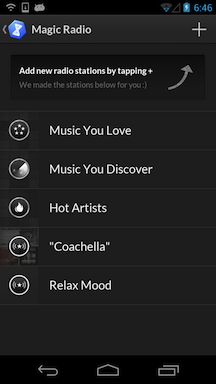
How to resubscribe to a Magic Radio subscription.
If you've cancelled your Magic Radio free trial or subscription, you can resubscribe by following these steps.
- When you go into Magic Radio, you should see the subscription screen. Tap on "Subscribe now" to continue.

- The doubleTwist Store will appear with a Magic Radio subscription dialog box. Tap on the price to display more information. Tap on "Subscribe" to continue.


- You may be asked to log in to your Google Play account. Once you tap on "Confirm", the subscription will be processed. $24.99 USD (plus any applicable taxes) will be charged to your Google Play account every year. Click here for how to cancel. There are no prorated refunds. Cancellations will take effect after the current subscription period has expired.


- Once purchased and authenticated, you will get a confirmation email and Magic Radio will unlock and be available for use again.

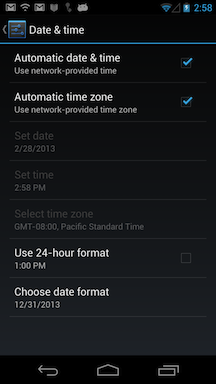
- If Magic Radio is not unlocking, please check the system time on your Android device. If the time on your device is more than five minutes off from the actual time, problems may occur with authentication.
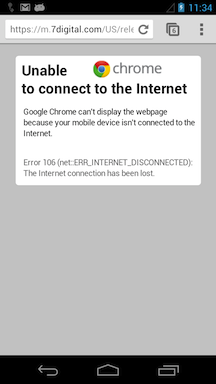
- An intermittent network connection can also cause problems. Please use another app such as Chrome to verify that your device has a valid network connection. Then try unlocking again by using steps #1 or #2.